Battery Monitoring
Keep track of your current battery percentage and charging status.
Smart Battery Monitoring
Monitor your battery, track charging status, and get notified when your battery reaches the desired charge level.
Monitor your battery. Stay informed. Get alerted when charging is complete.

Features
A clean Android utility for battery status, charging progress, and timely alerts.
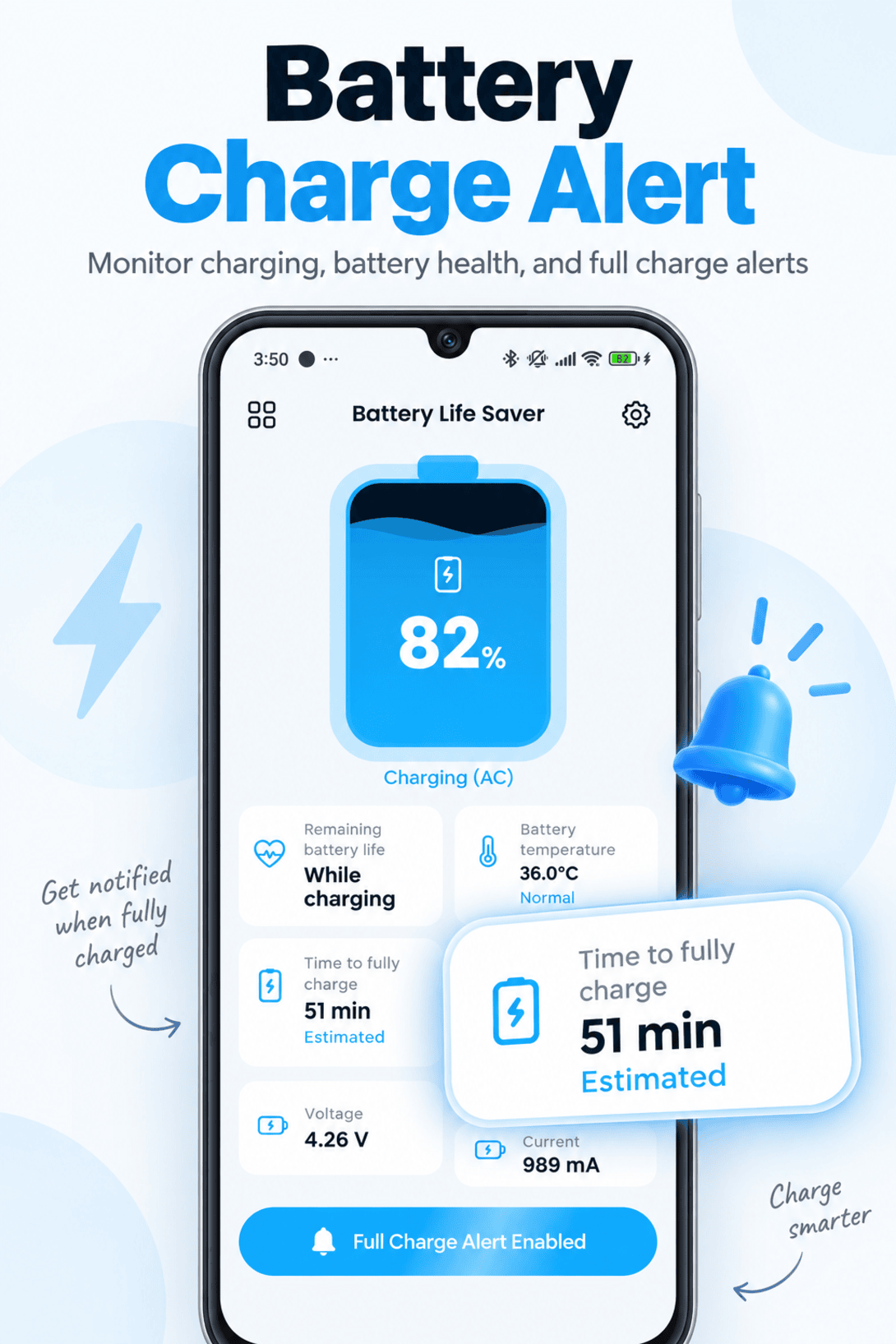
Keep track of your current battery percentage and charging status.
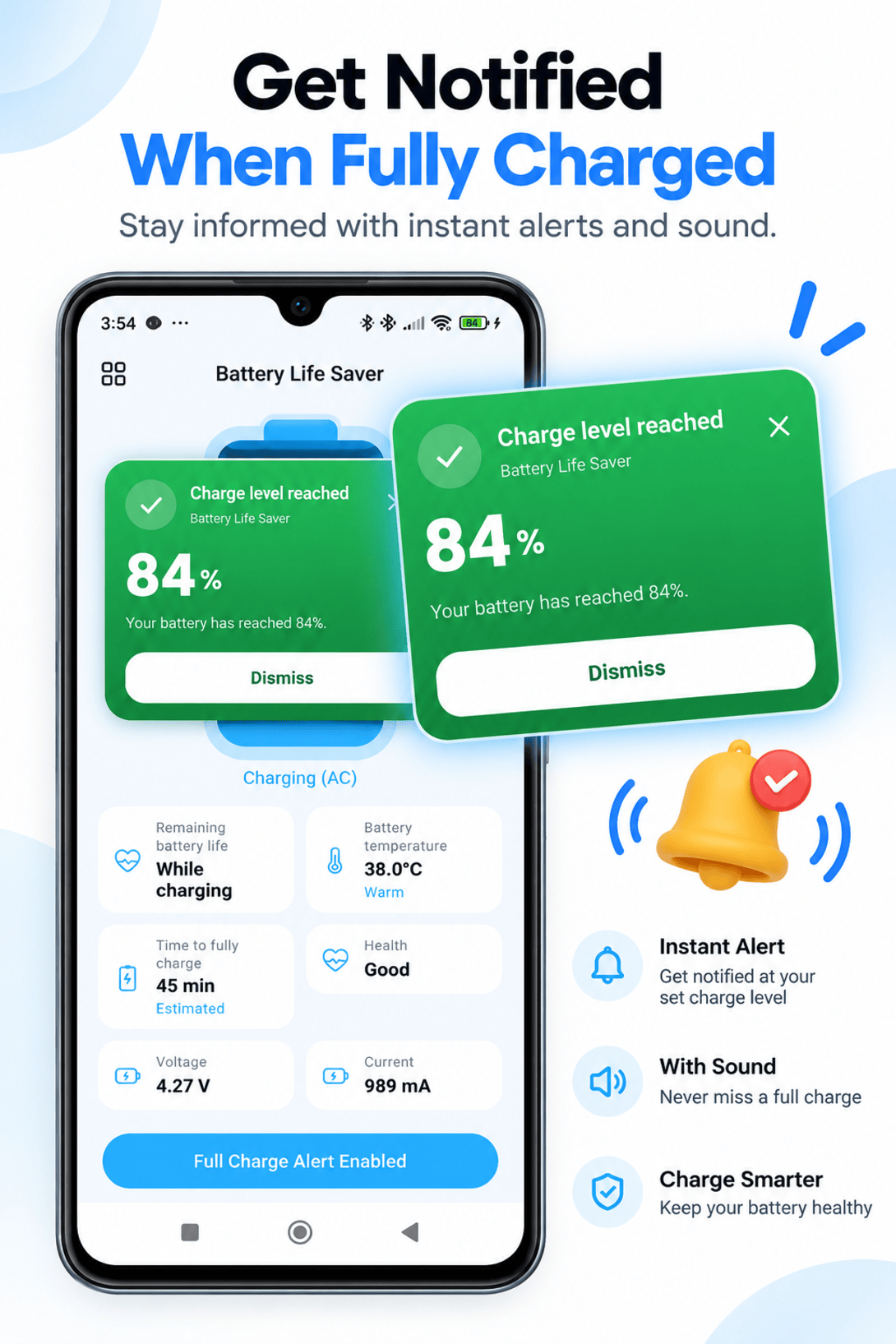
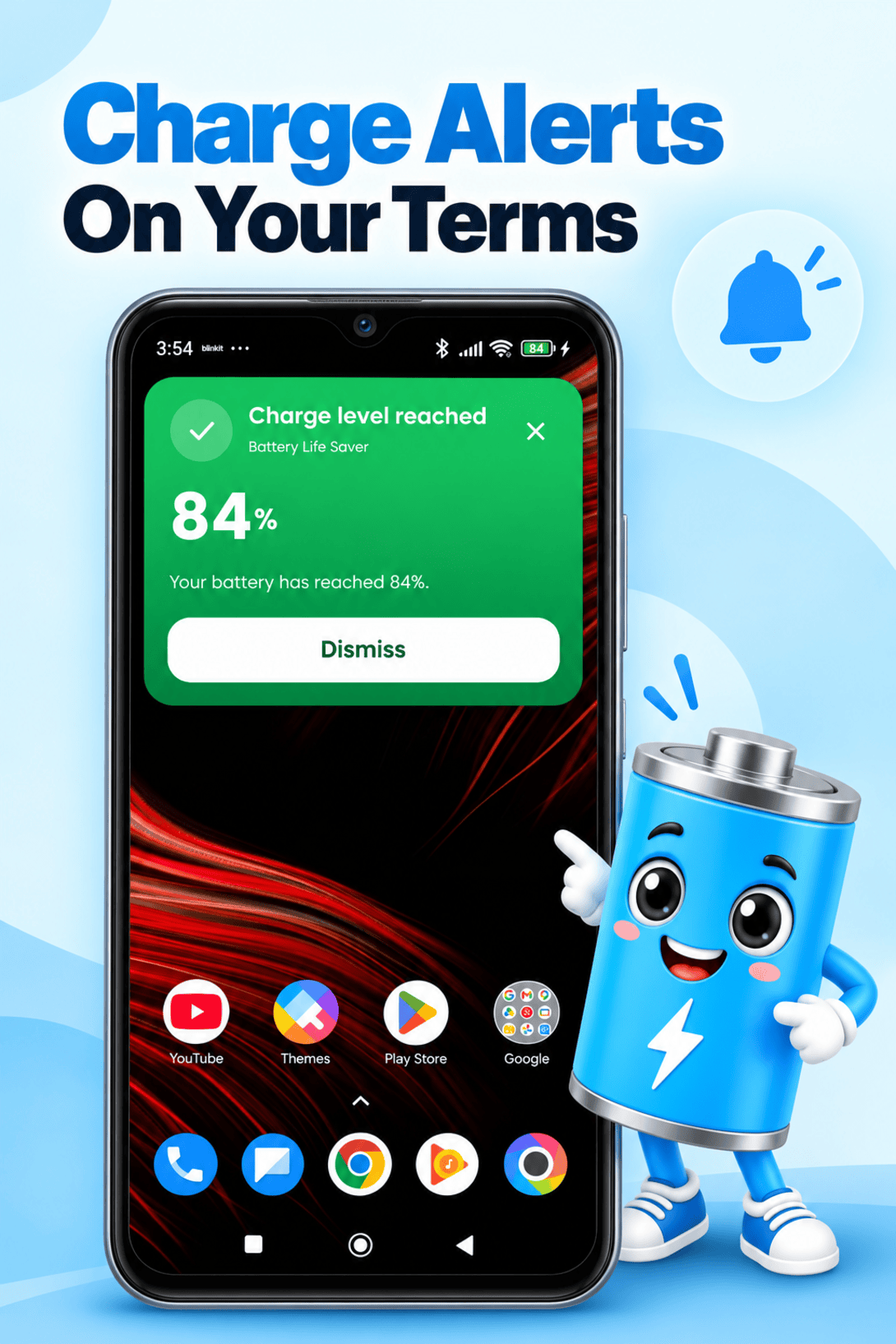
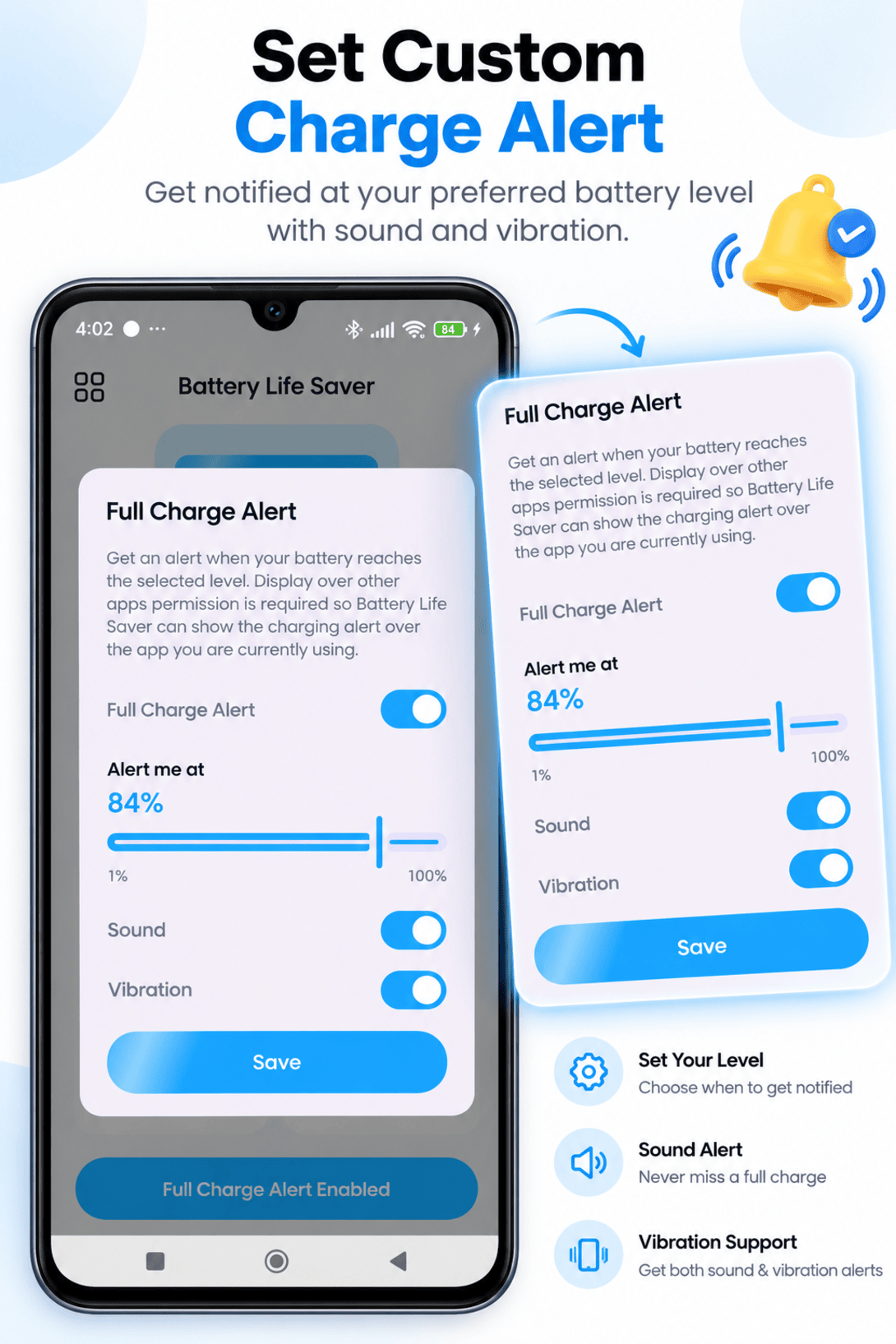
Get an alert when your battery reaches your selected charging level.
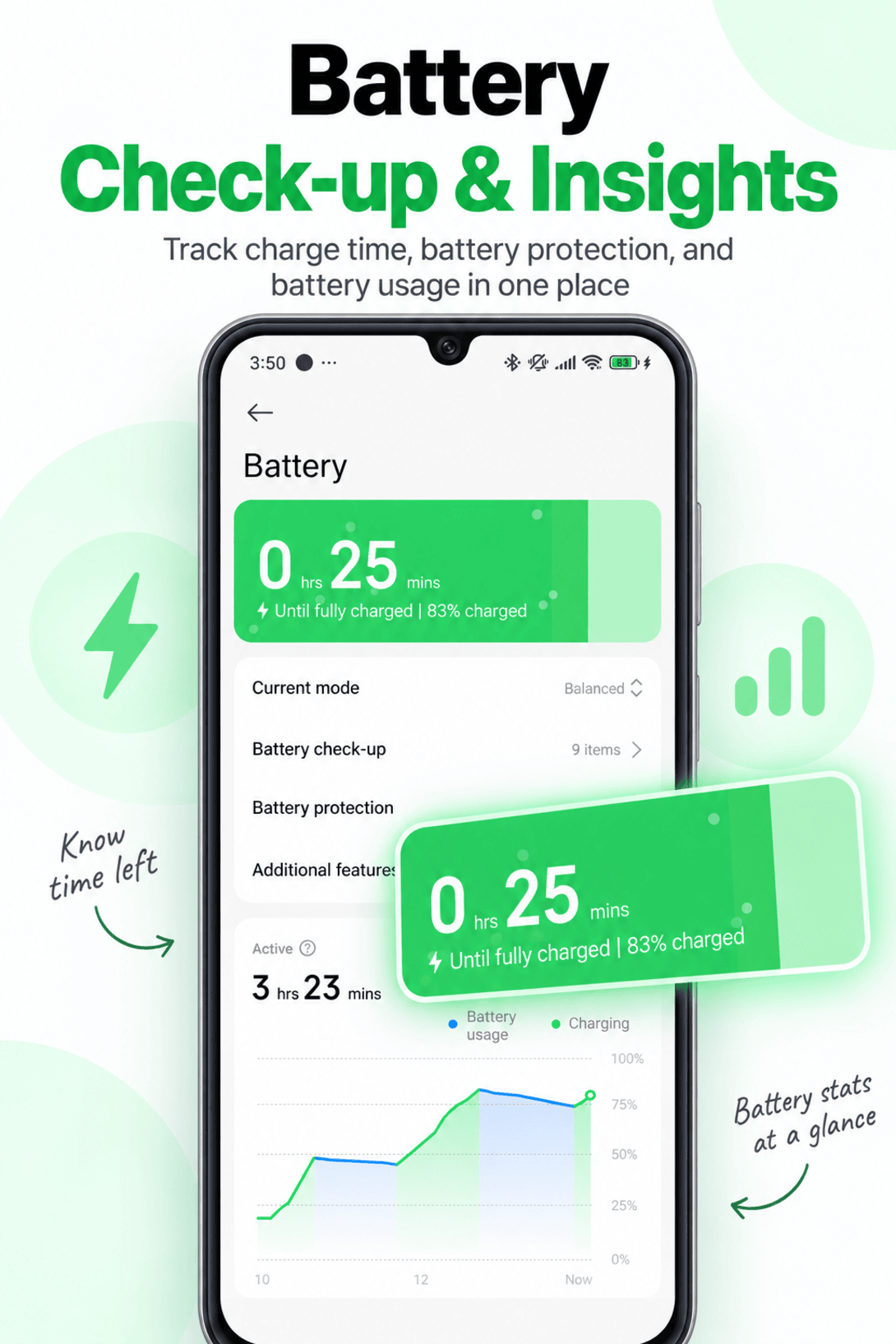
Monitor your charging progress and see useful charging information.
Keep an eye on battery temperature while your device is charging.
View available battery health information supported by your device.
Get estimated remaining battery time and estimated charging time.
Choose how you want to be notified when an alert is triggered.
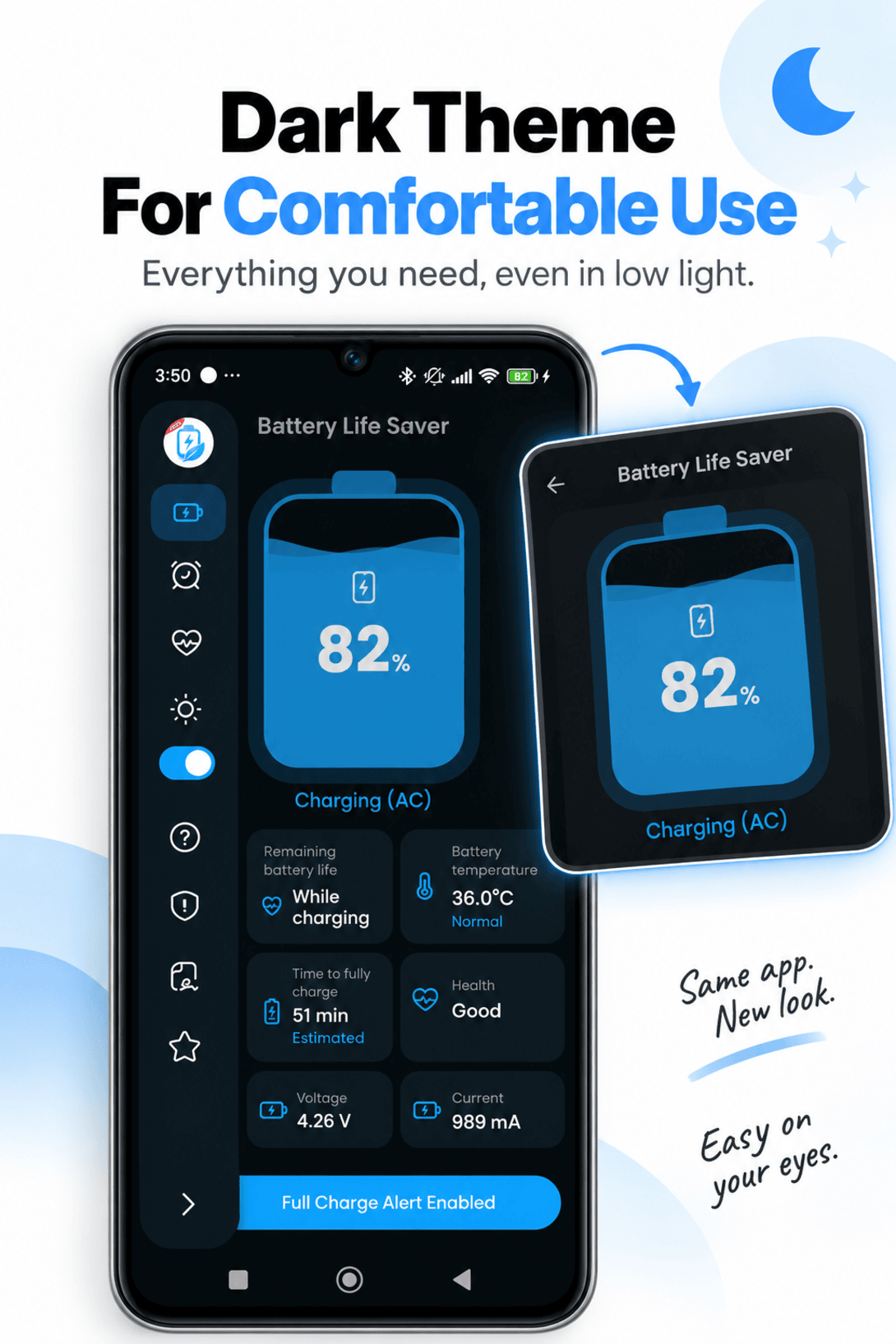
View important battery information from a simple and easy-to-understand dashboard.
App Preview
A closer look at the dashboard, charging details, alerts, and settings.
How It Works
Set it once, then stay informed while your phone charges.
Open Battery Care and view your current battery information.
Choose your preferred charging threshold and alert preferences.
Battery Care alerts you when your configured charging level is reached.
Why Battery Care
Battery Care is designed to give you useful battery and charging information in a simple, easy-to-understand interface. Monitor your battery, keep an eye on charging progress, and configure alerts that fit your routine.